🖥️ Frontend User Interface
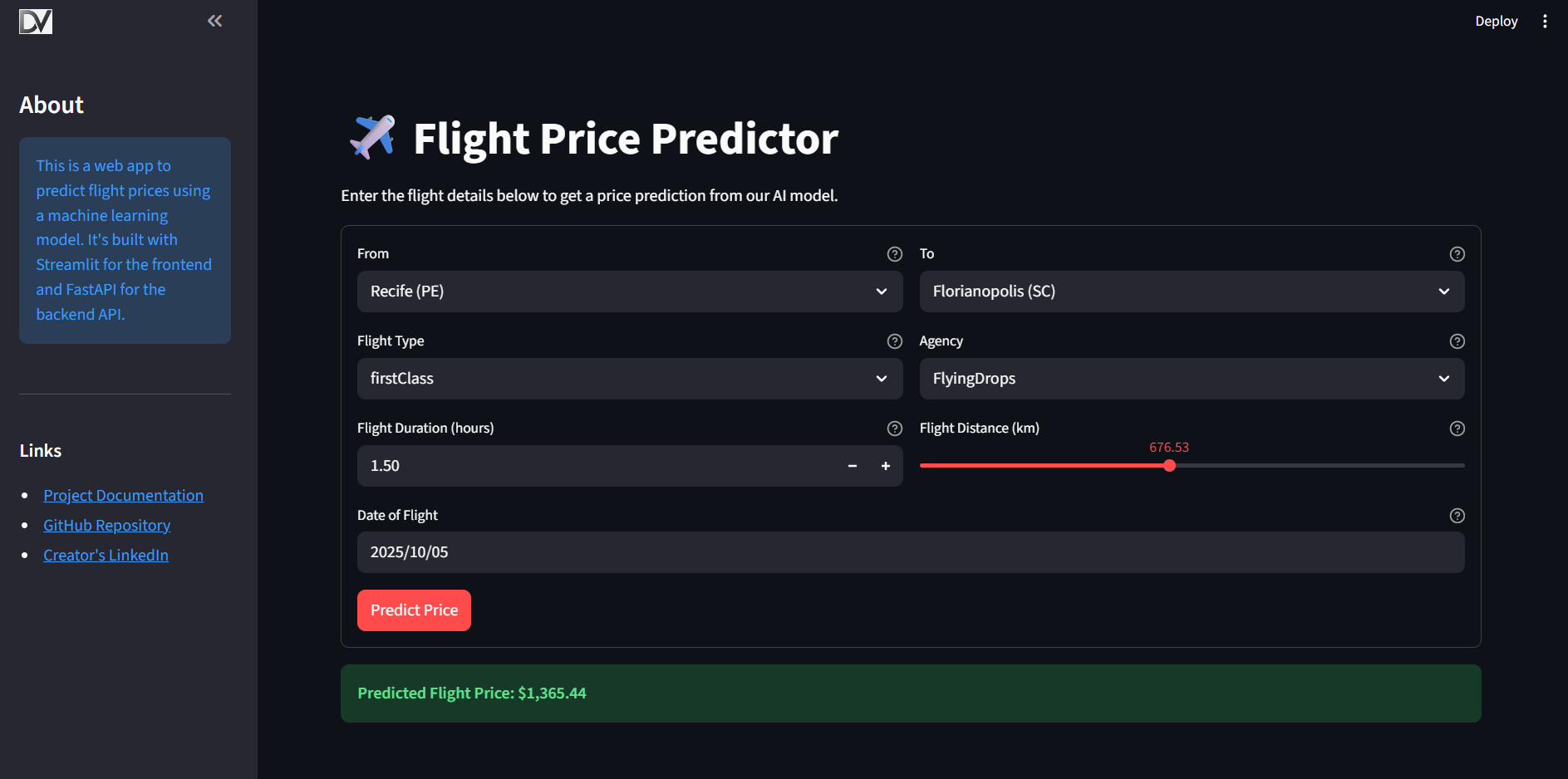
This project includes an interactive web application built with Streamlit that serves as a user-friendly interface for the flight price prediction API.
- Source Code:
frontend_streamlit/app.py
🎯 Overview
The Streamlit application provides a simple web form where users can input flight details. It then calls the deployed FastAPI prediction server, retrieves the prediction, and displays the result to the user in real-time.
🚀 How to Run the Frontend
To run the Streamlit application locally, follow these steps:
-
Ensure API is Running: The frontend requires the prediction API to be running and accessible. You can run the API locally via Docker or connect to a deployed version.
-
Configure the API URL: The Streamlit app is configured using an environment variable. Create a file named
.envin thefrontend_streamlit/directory:
# frontend_streamlit/.env
API_URL=http://127.0.0.1:9000/prediction
Replace the URL with your deployed API endpoint if you are not running it locally.
- Run the App: From the project's root directory, execute the following command:
streamlit run frontend_streamlit/app.py
The application will open in your web browser.
⚙️ Configuration
The application's behavior is controlled by environment variables:
API_URL: The full URL for the prediction endpoint of the backend API. The app defaults tohttp://127.0.0.1:9000/predictionif this variable is not set.
When deploying to Streamlit Community Cloud, set API_URL in the application's Secrets instead of using a .env file.